How it works
How to make a photo scavenger hunt
Scavos makes it easy to create and play unforgettable “Scaventures”, whether for a party, a team-building event, or just for fun. Here’s how it works.
-
Get the app
Grab the free Scavos app from Google Play or the App Store, then sign in with one tap using your existing Apple or Google account. No passwords or email forms.
Example


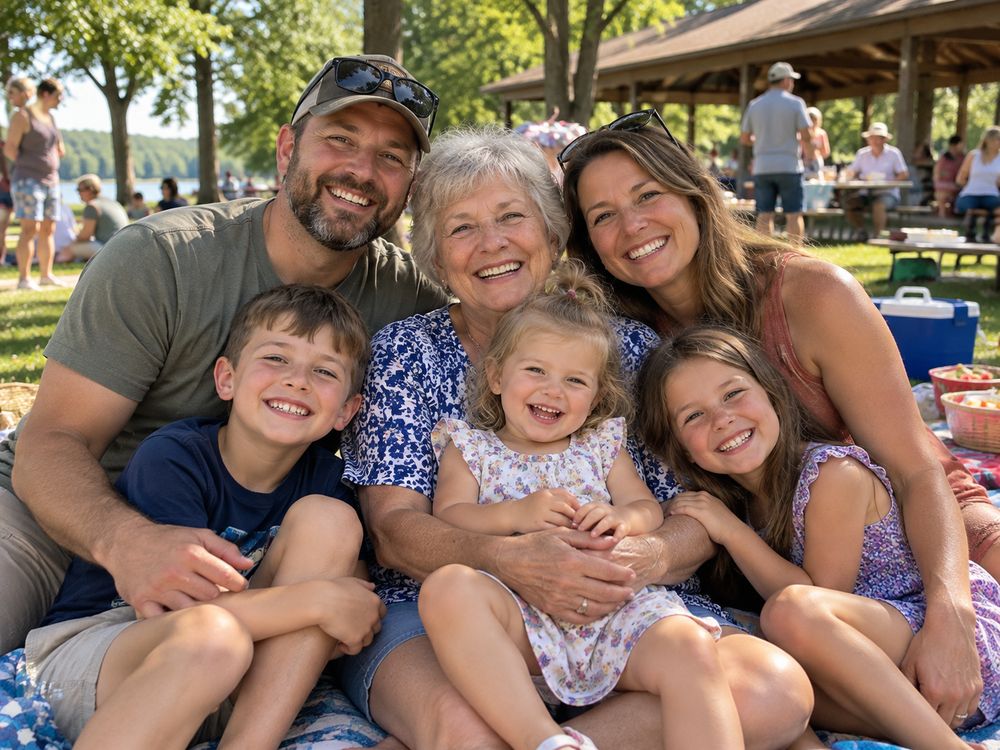 +10 pts Photo hunts for any occasion
 -
Create your first Scaventure
Answer a few quick questions and the Adventure Assistant drafts a hunt for you to start from: a title, a description, a cover photo and about 20 photo missions, each with its own emoji. Nothing is set in stone.
- What’s the occasion? (“bachelorette party”)
- Where will it take place? (“Las Vegas”)
- Who or what does it celebrate? (“Katie, the bride-to-be!”)
- What’s the theme or vibe? (“90s throwback”)
ExampleWhat’s the occasion? Office holiday party Holiday party Office party Birthday Bachelorette Wedding Family reunion -
Customize your hunt
Set the schedule, choose competitive or cooperative play, and pick the mission order: “scramble” lets players go in any order, “quest” takes them through in the order you decide (great for treasure hunts).
Example Host Merry & Bright Office Hunt Schedule Fri, Dec 12 · 3–6 PM Play style Competitive Mission order Any order Players 3 of 3 Hub Missions Activity Gallery Champs
 -
Make the missions yours
This is where the hunt becomes yours. Write your own missions, and edit or remove any of the suggestions: change the words, swap an emoji, set the points, and mix in short videos, multiple-choice quizzes and riddles that need the right word to pass. Inside jokes welcome.
Attach a photo to a mission (“recreate this pose”), or link it to a real place from Google Maps for bar crawls and community tours.
ExampleMerry & Bright Office Hunt
Host Edit mission 🍝 Team photo at Luigi’s, where we had our first team lunch PhotoVideoQuizRiddle +1+3+5+10+15+20 Place Luigi’s Trattoria Photo to copy Add -
Invite players
Invite friends, family or coworkers with a QR code, a link or a short invite code. Players get the free app and never pay. Need room for more? Add players any time, even mid-hunt. Past your free 2, anyone else who joins is told the hunt is full until you add players. Big group? Add them before you share the invite.
ExampleInvite players TUNE MAYA -
Play!
Follow along in the live activity feed, like and comment on every photo, browse the gallery and watch the leaderboard. Happy hunting!
ExampleMerry & Bright Office Hunt
Activity  Jordan
  14 5
14 5  Priya
Priya  21 7 Hub Missions Activity Gallery Champs
Tips for a great photo scavenger hunt
- Mix quick wins with big swings. Give easy missions a point or three, and the ones that take a crowd or a trip 10 to 20.
- Add a video or two. A five-second toast or a group cheer is often the best thing in the gallery afterward.
- Set a time limit. An hour or two keeps the feed busy and gets everyone back together for the end.
- Go co-op for a gentler hunt. Everyone adds to one total instead of racing each other, which suits family reunions and mixed ages.
- Look through the gallery together. Gather round at the end and scroll through it: every photo and video is there, with its likes and comments.
More questions? See questions hosts ask or what it costs.